Plug-In Diagnostic · v1.1.0
Kensa
Every plug-in tells you what it does. Kensa checks.
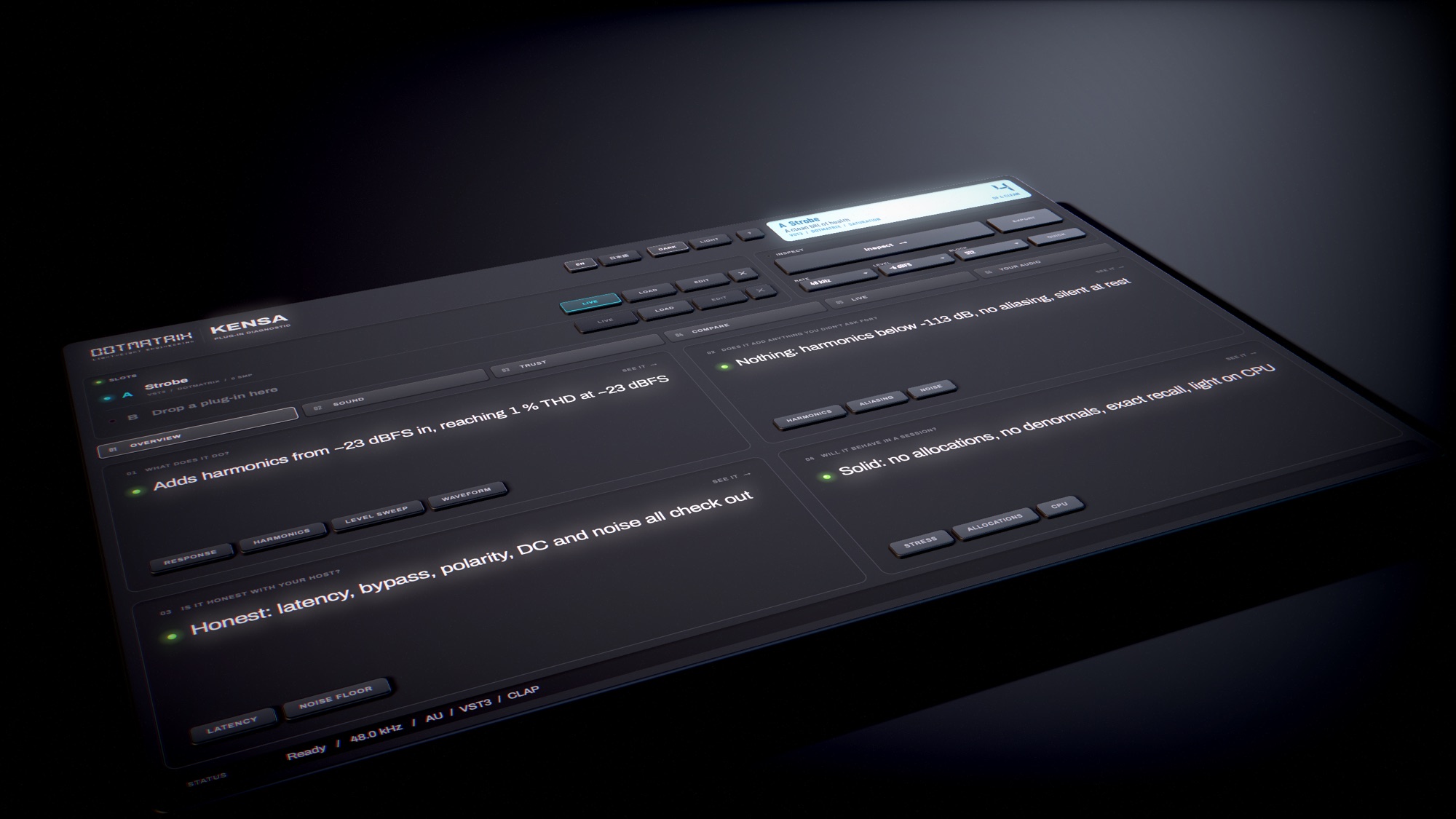
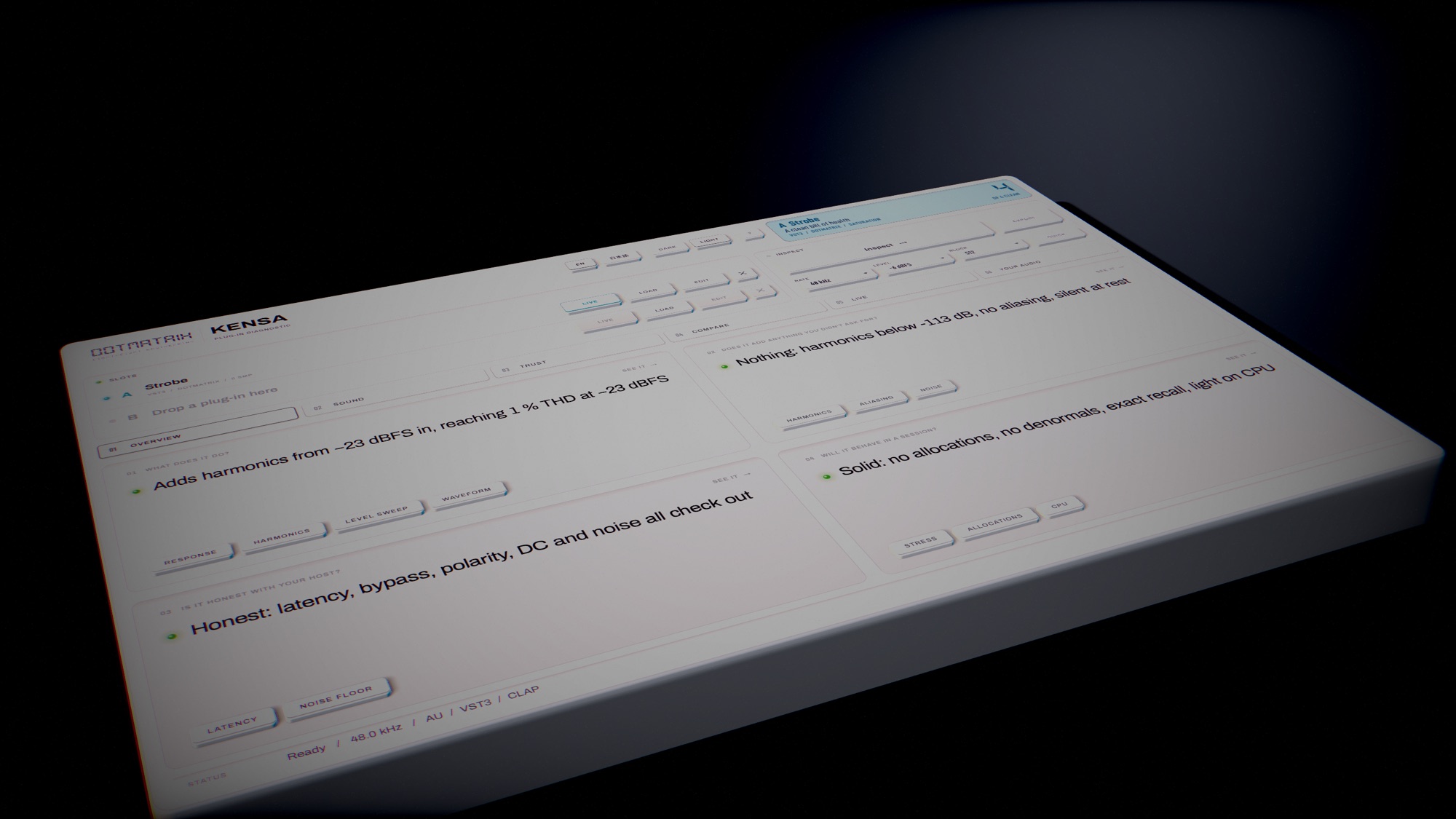
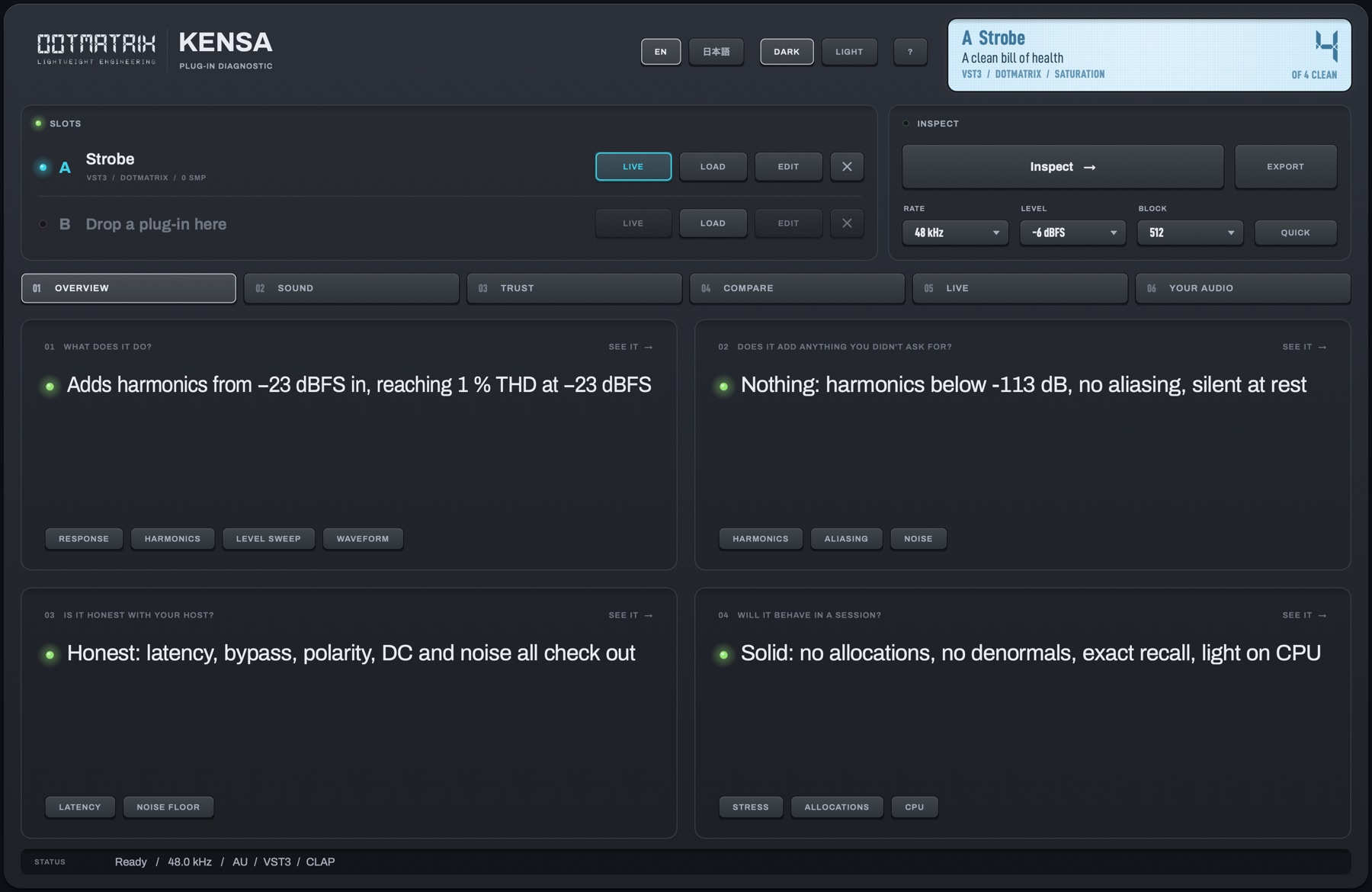
Load any plug-in, press Inspect, and get four honest answers in ten seconds.
Kensa is Japanese for an inspection. Most plug-ins only tell you what they want you to hear. Kensa measures what they really do: it feeds an effect known test signals, offline and in its own safe process, and answers four questions in plain words. What does it do? Does it add anything you didn't ask for? Is it honest with your host? And will it behave in a session?
Behind every answer is the evidence: the frequency response, the harmonics it adds, aliasing, where it starts to distort, how fast it reacts, the latency it reports against the latency it really has, whether its bypass is clean and on time, and whether it survives a session reload, fast automation and silent tails without glitching. Put two plug-ins side by side to see if they really sound different, or run your own song through one and listen to exactly what it changed.
What it does
- Four plain-language answers, with a click through to the measurements behind each one
- Frequency response and phase from a log sweep, with the -3 dB points and reverb decay time
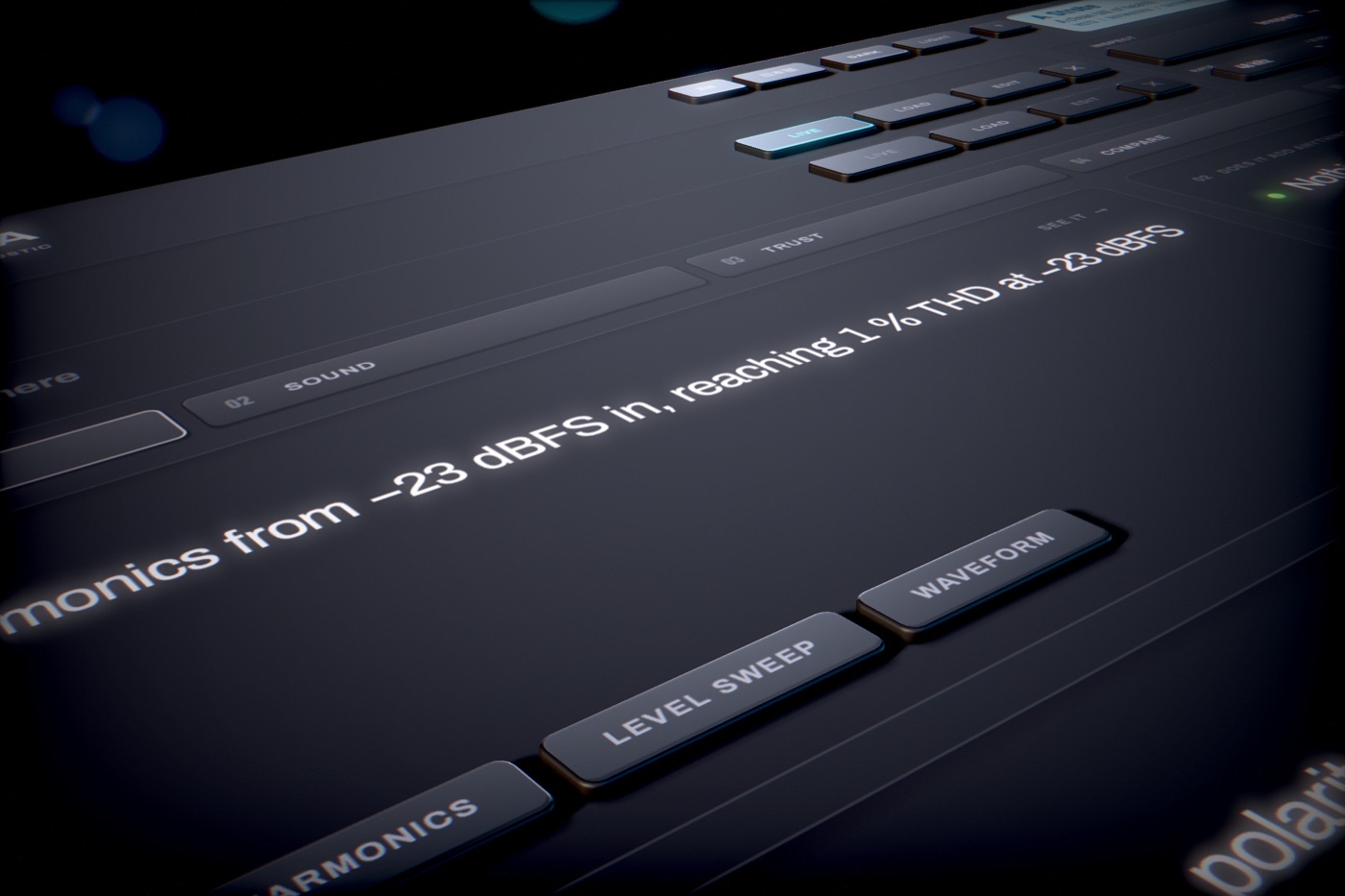
- Harmonics, THD and noise floor from a test tone at the level you choose
- Aliasing, measured exactly where folded harmonics have to land
- A level sweep from -60 to +6 dBFS: where it starts to distort, threshold, ratio and ceiling
- Attack and release from a 20 dB step
- Reported vs. real latency to a tenth of a sample; bypass timing; polarity, DC and noise
- Stress tests: NaNs, denormal slow-downs, hot input, random buffer sizes, session recall, automation fuzz, three sample rates
- Memory allocated on the audio thread, with where in the code it happened; CPU block by block
- Compare two plug-ins with a level-matched null test
- Your own audio before and after: loudness, range, peak-to-loudness, true peak and tone, and listen to the difference
- Live: input and output spectra of the plug-in you play through, and the difference, as your track plays
- Save preset: hand the settings you dialled in back to the plug-in's own preset menu
- Every test runs in its own helper process, so a crashing plug-in can't take your session with it
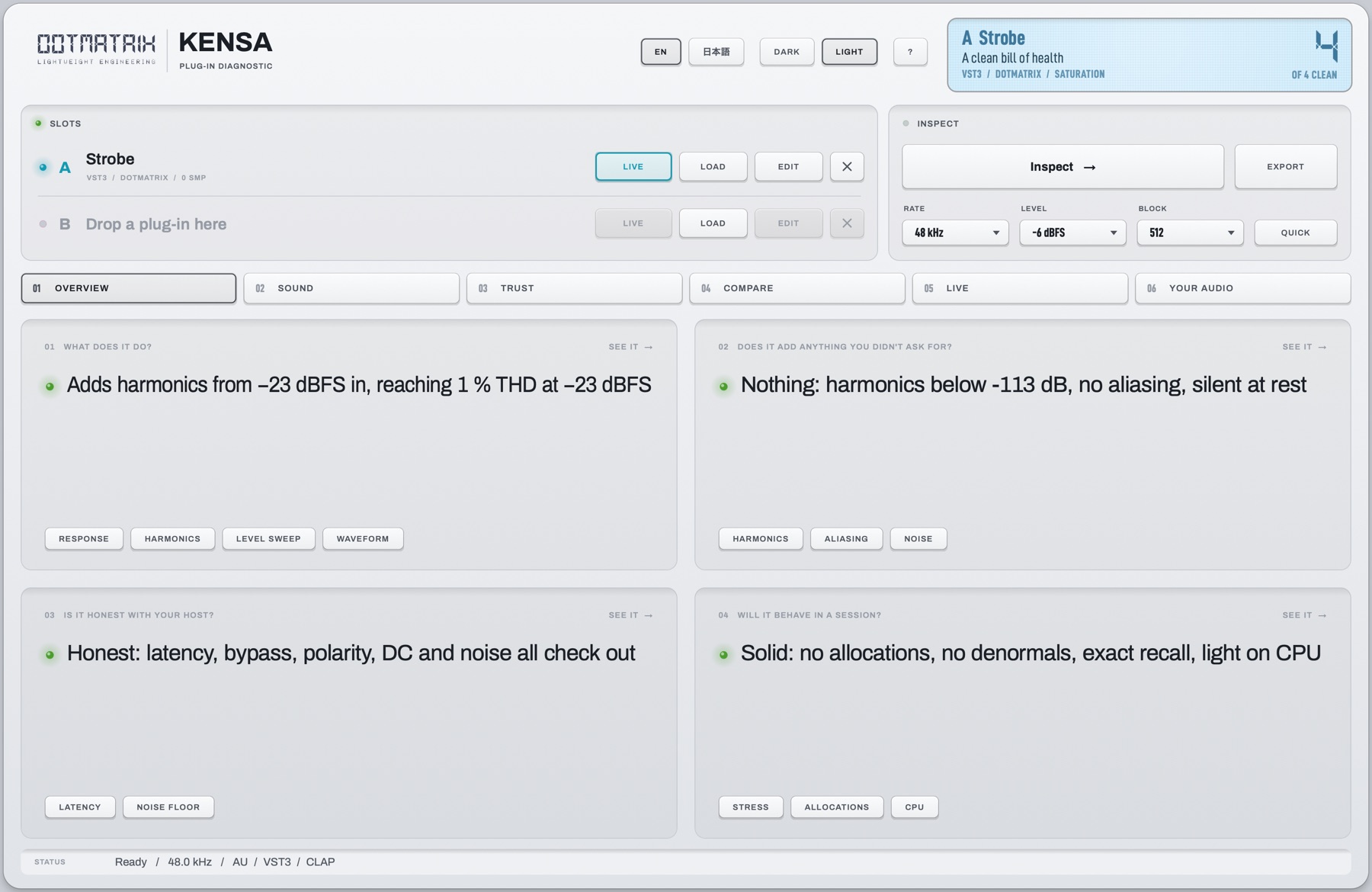
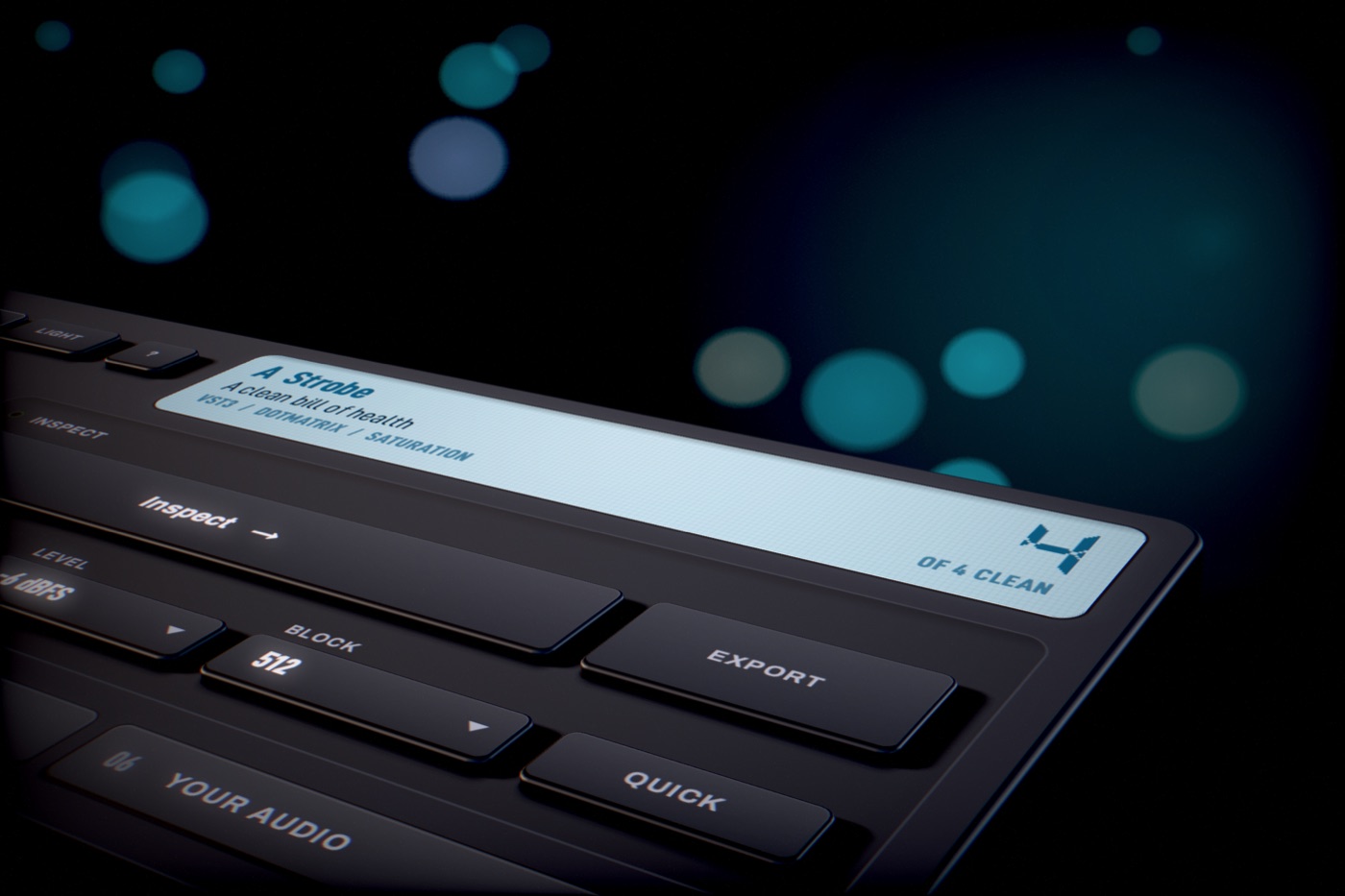
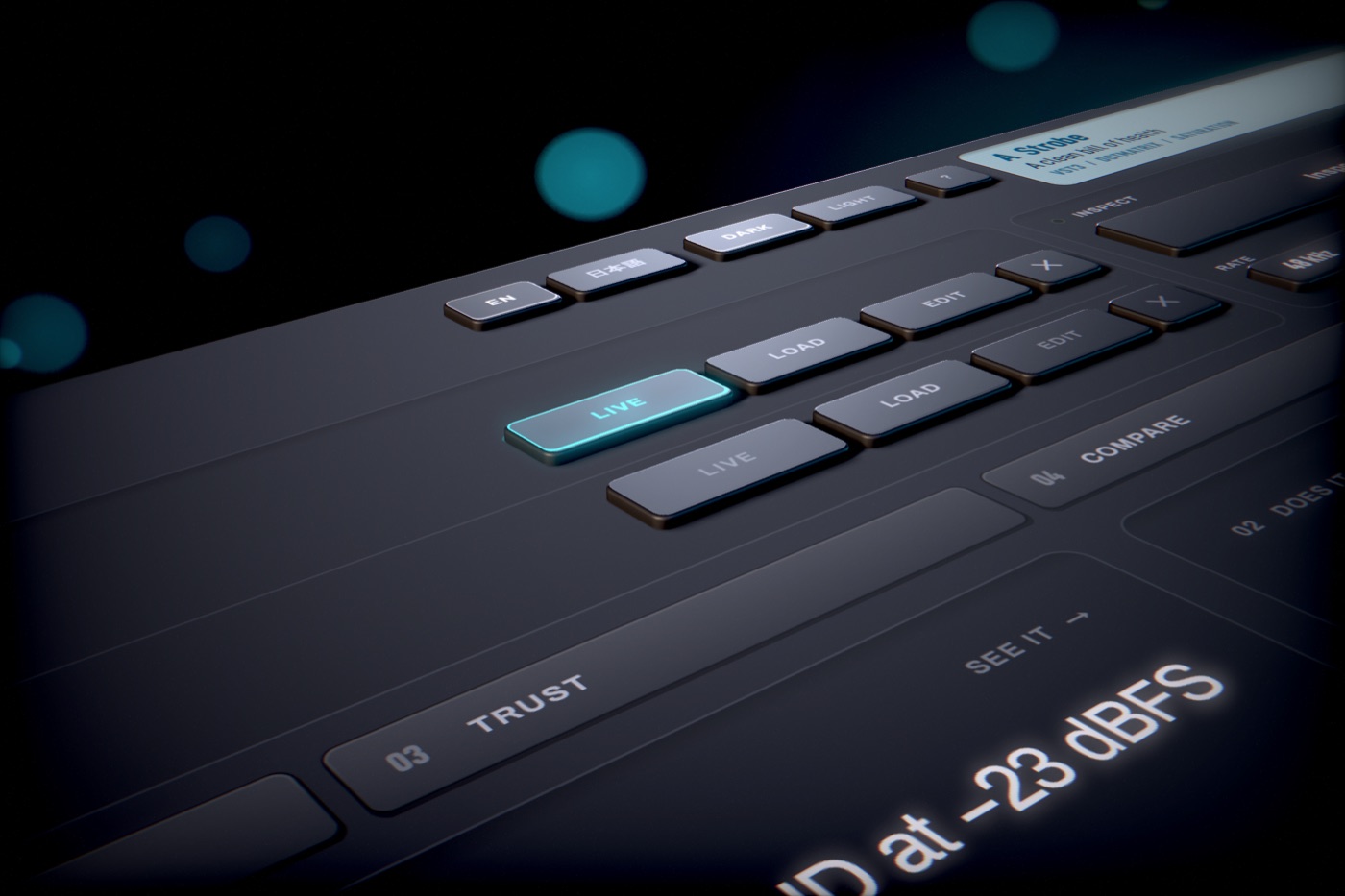
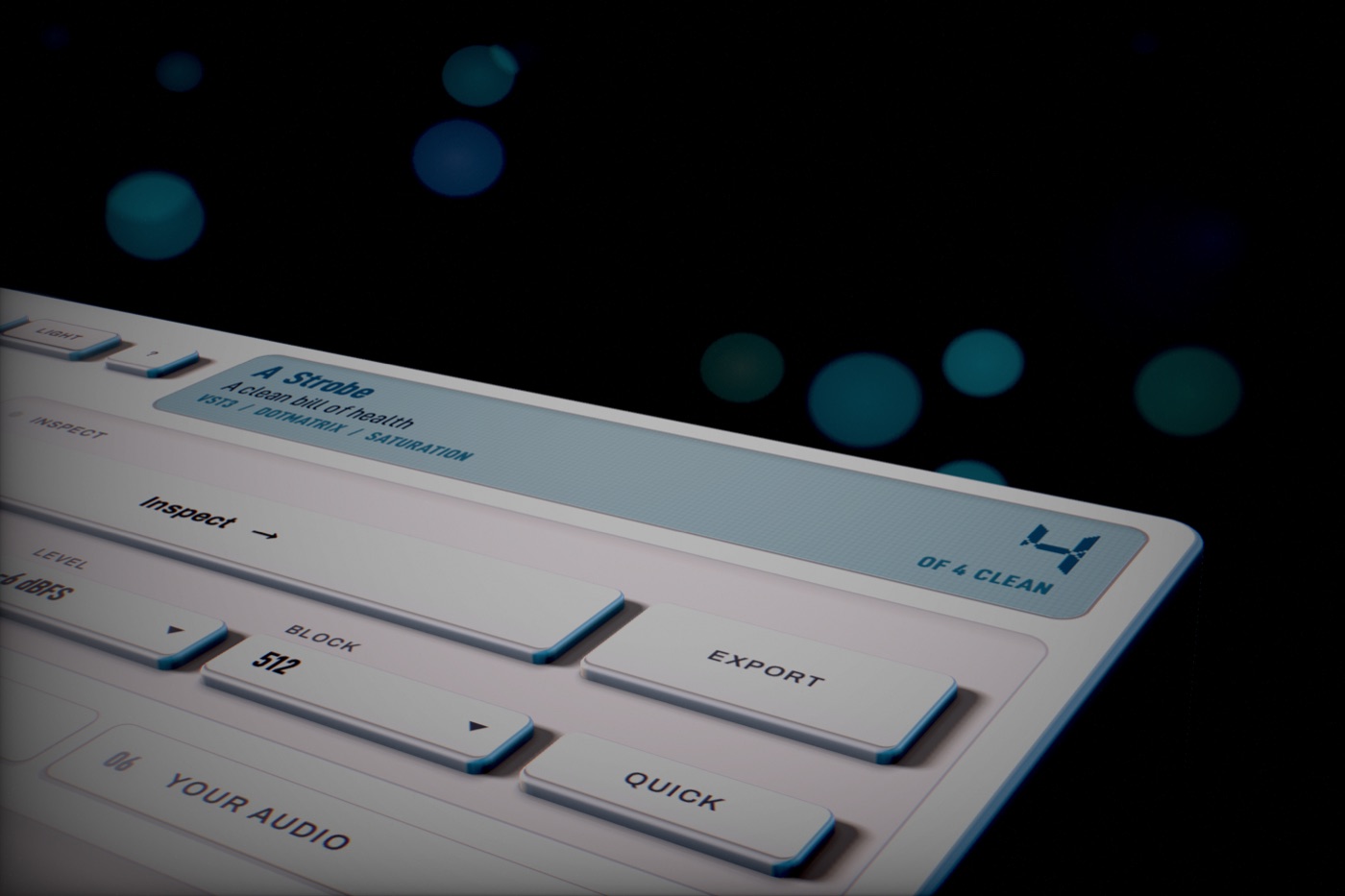
- Tests AU, VST3 and CLAP; Markdown and JSON reports; the Dotmatrix house panel in English or Japanese, dark or light
A standalone app plus AU, VST3 and CLAP, for Apple Silicon and Intel Macs (macOS 11 or later).
All product names are trademarks of their respective owners and are used only to identify the products studied. Dotmatrix is not affiliated with or endorsed by any of them.
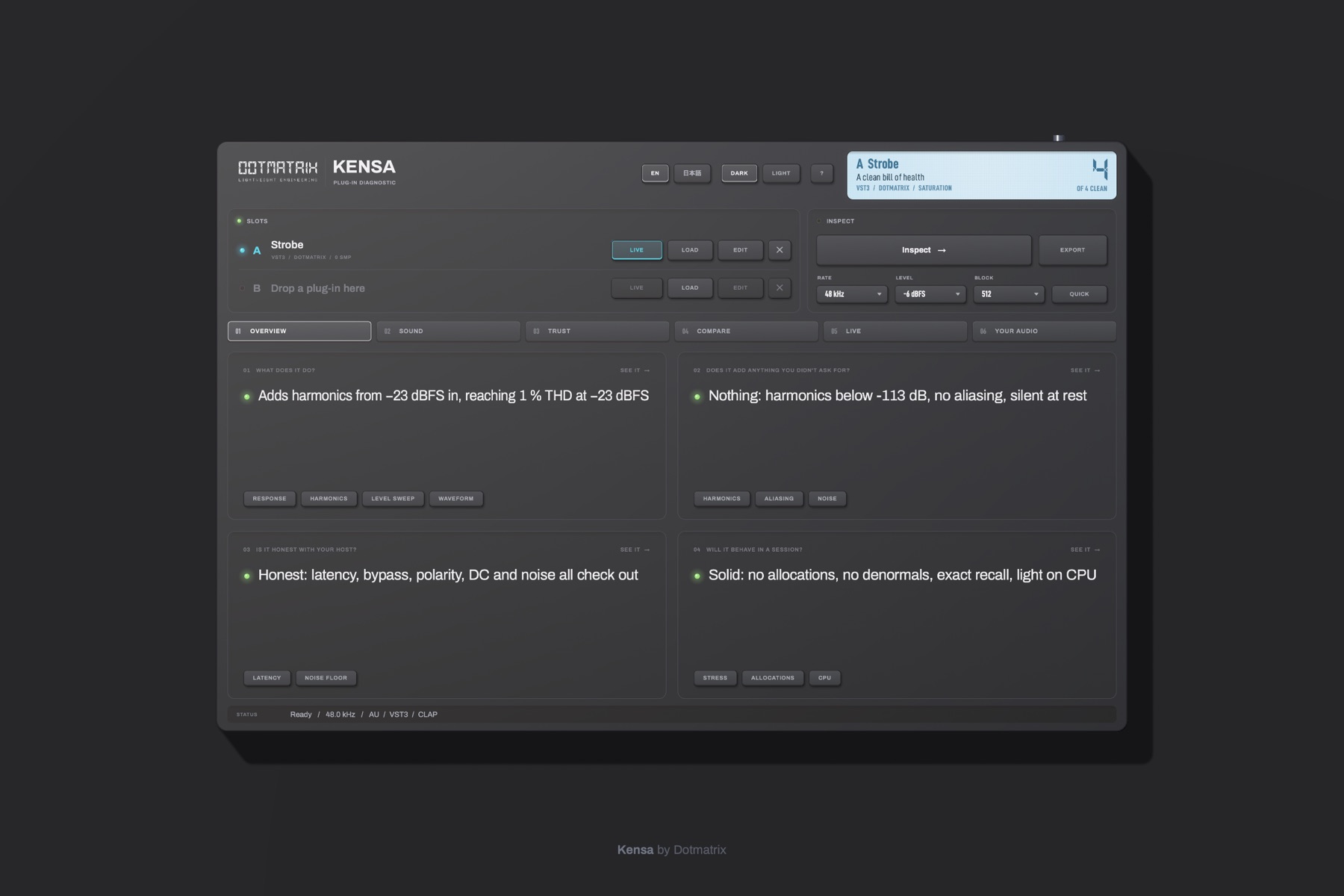
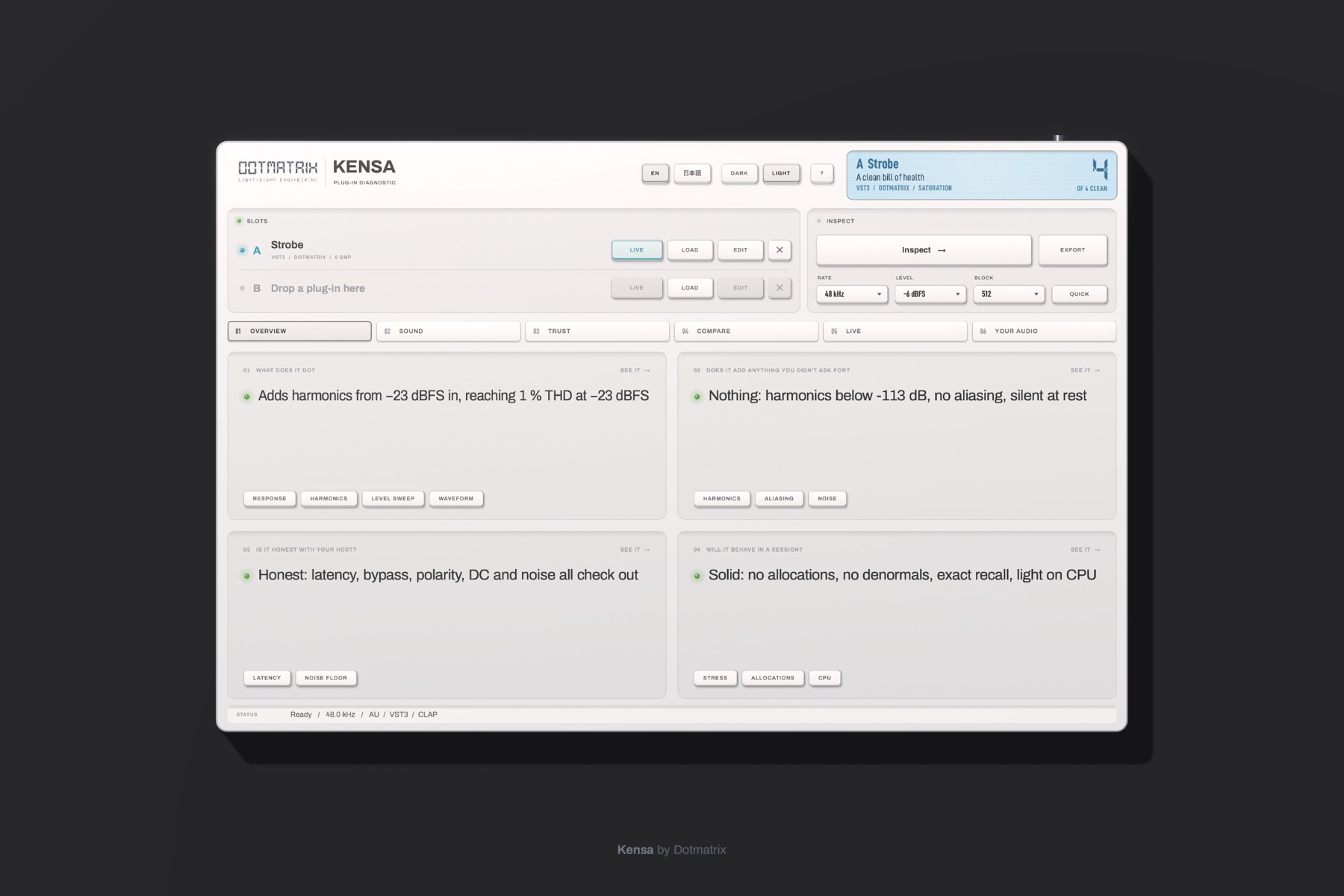
The panel